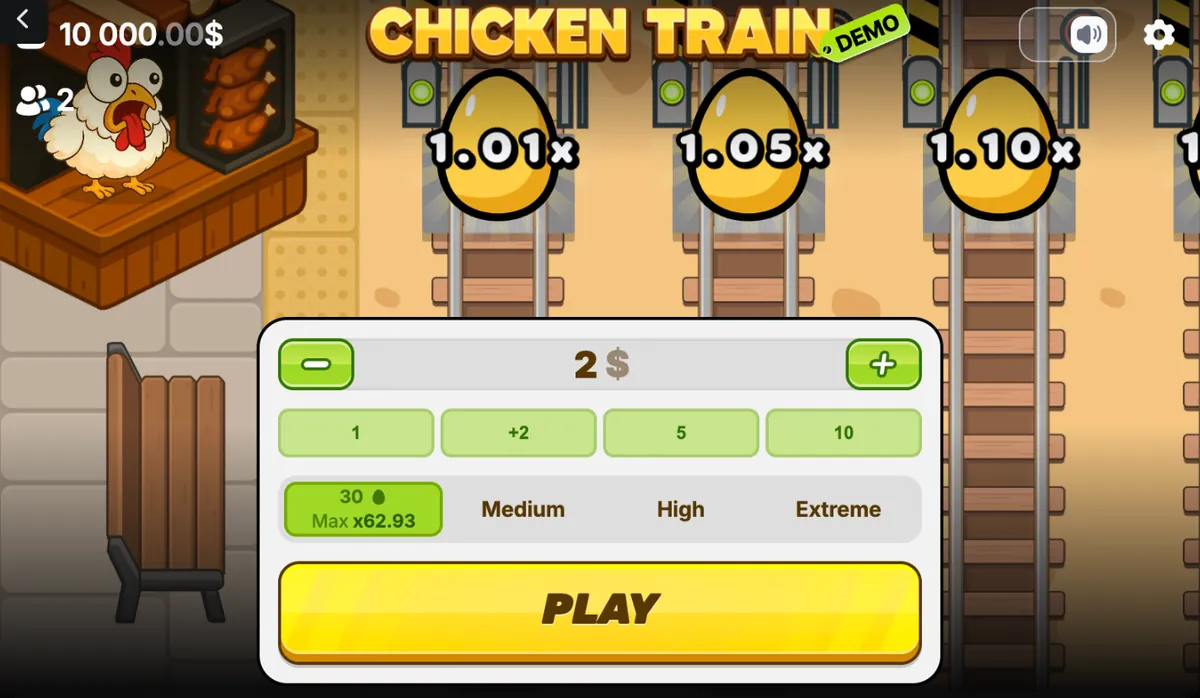
Play in Chrome
- Open the casino
Use the Play button on this site; it opens a partner casino available in your country. - Find the game
Search for "Chicken Train" in the casino lobby. - Add a shortcut
Chrome menu → "Add to Home screen". Next time it opens with one tap.
Or use the casino's app
Many casinos offer an Android app as an APK on their own site rather than in Google Play. Android will ask you to allow installs from that source. Only do this for the casino's official site.
Tips
- Turn on Do Not Disturb so a notification does not cover the WITHDRAW button.
- A stable connection matters: if it drops mid-run, the round finishes on the server.
- Set a loss limit in the casino account before you start.
Open Chicken Train in your Android browser.
Questions and answers
Which Android version do I need?
Any phone with an up-to-date Chrome works.
What happens if my connection drops?
The round is settled on the casino's server. Check your bet history when you reconnect.